Add A Digital Signature Field To Pdf
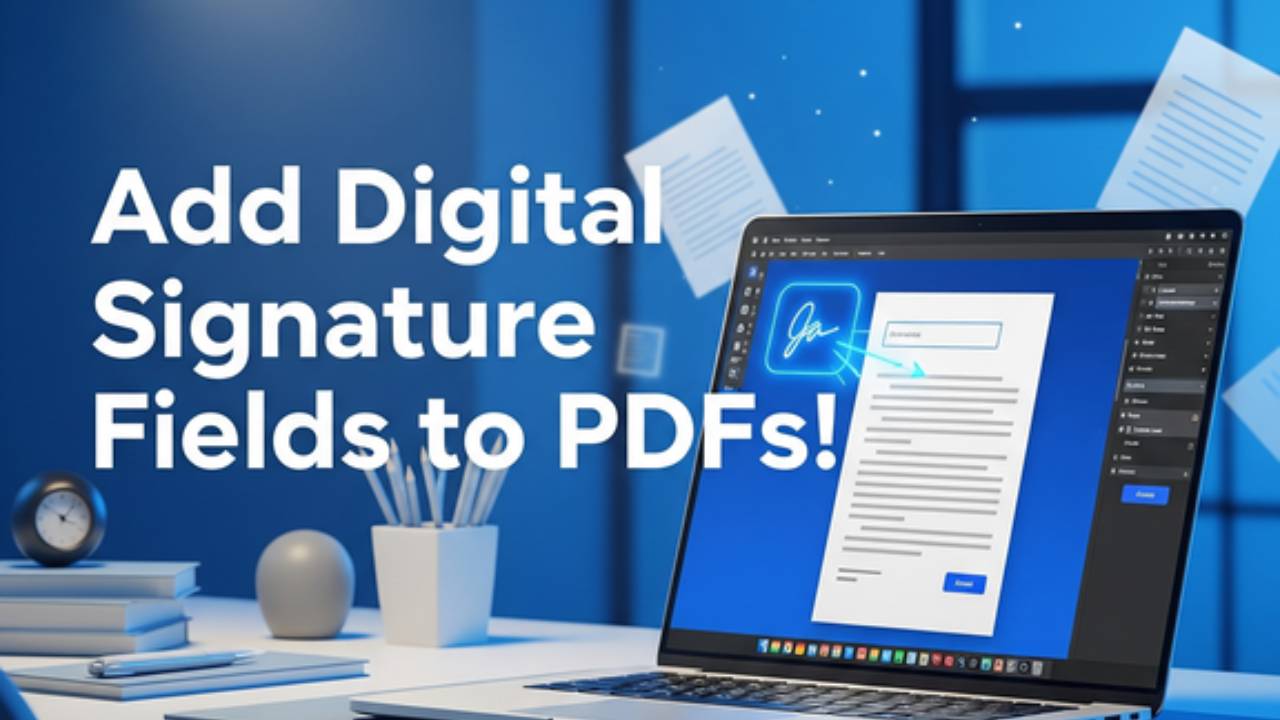
How to Add Digital Signature Field to PDF: A Step-by-Step Guide
Adding digital signature field to PDF streamlines document signing, ensuring security and efficiency for contracts, agreements, or forms. Whether you're using Adobe Acrobat, Bluebeam Revu, or an online tool, creating a signature field is simple and enhances your workflow. This guide explains how to add a digital signature field to a PDF, making your documents professional and legally binding.
Why Add a Digital Signature Field?
Digital signature fields allow recipients to sign PDFs electronically, reducing paper use and speeding up approvals. They provide encryption for security, verify signer identity, and are legally recognized in many regions. Adding a field ensures your document is ready for secure e-signing, perfect for remote collaboration.
Steps to Add a Digital Signature Field to a PDF
- Open Your PDF: Use a PDF editor like Adobe Acrobat, Bluebeam Revu, or an online platform such as DocuSign. Upload or open the target PDF.
- Access Signature Tools: In Adobe Acrobat, go to “Tools” > “Prepare Form” or “Fill & Sign.” In Bluebeam, select “Tools” > “Signature” > “Digital Signature.”
- Add the Signature Field: Click where you want the field to appear. In Adobe, select “Add Signature Field” and drag to size it. In Bluebeam, use the “Place Signature” option and adjust the field dimensions.
- Configure the Field: Name the field (e.g., “Signature1”) and set properties like required signing or encryption. For advanced security, link the field to a digital ID or certificate.
- Save and Share: Save the PDF to lock the field in place. Share it with recipients, who can sign using their digital ID or e-signing tool.
Tips for Success
- Use Trusted Software: Opt for Adobe Acrobat or Bluebeam for reliable field creation.
- Test the Field: Ensure the field works by signing it yourself before sharing.
- Secure Your PDF: Use password protection to safeguard sensitive documents.
Adding a digital signature field to a PDF is quick and efficient. Visit our platform for intuitive tools to create, manage, and sign PDFs seamlessly.